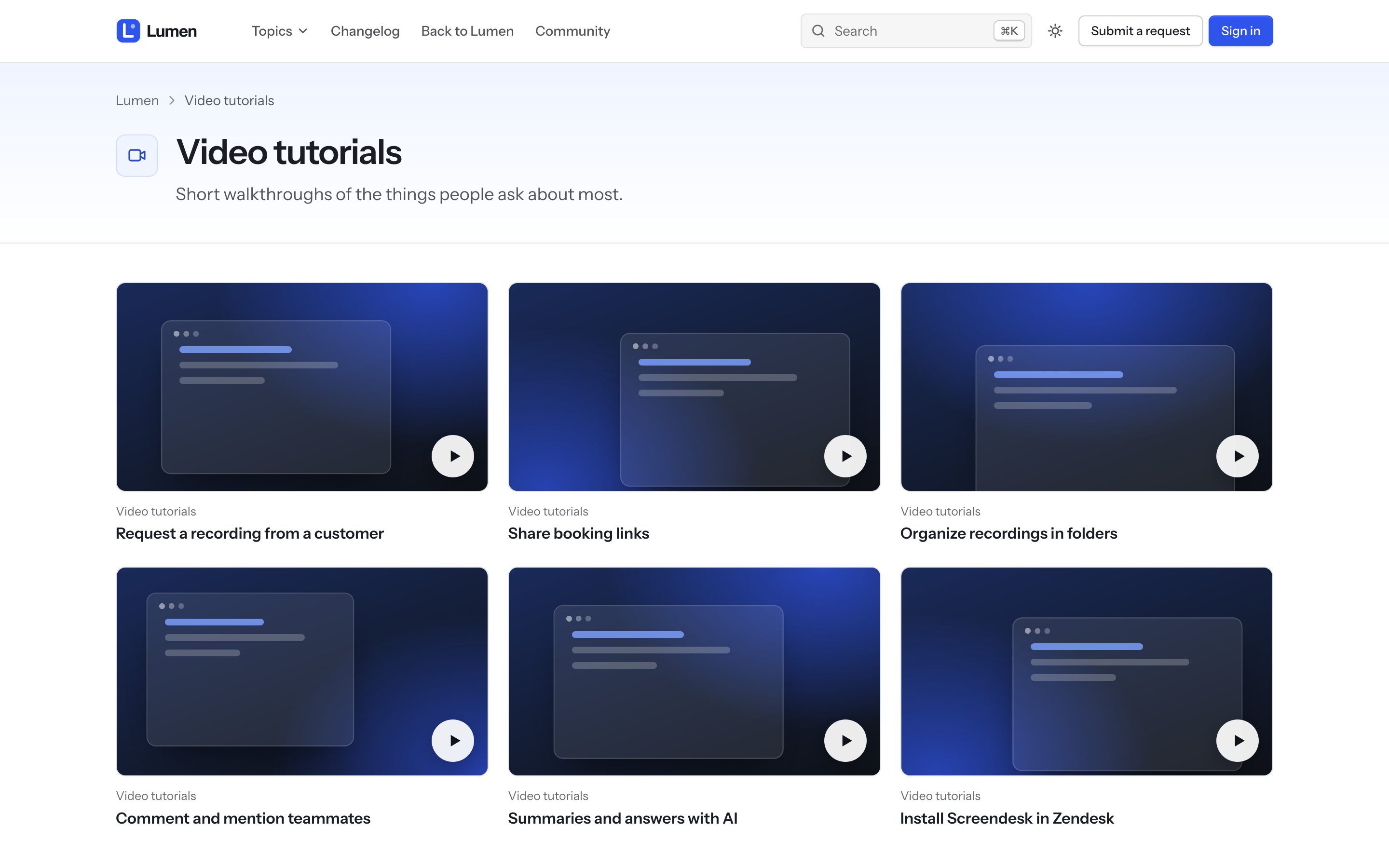
Northline builds its video tutorials from articles. Any article with the label video (the label is the VideosVideo label setting) that contains a video embed counts as a video.
Add a video
- Write an article that explains one thing, with the video at the top. Embed it with the editor's video button: YouTube, Vimeo, Loom, Wistia and Screendesk all work.
- Add the label
videoto the article. - Optional: put an image in the article to use as the poster. Without one, Northline uses the YouTube thumbnail or draws a cover.
Where videos appear
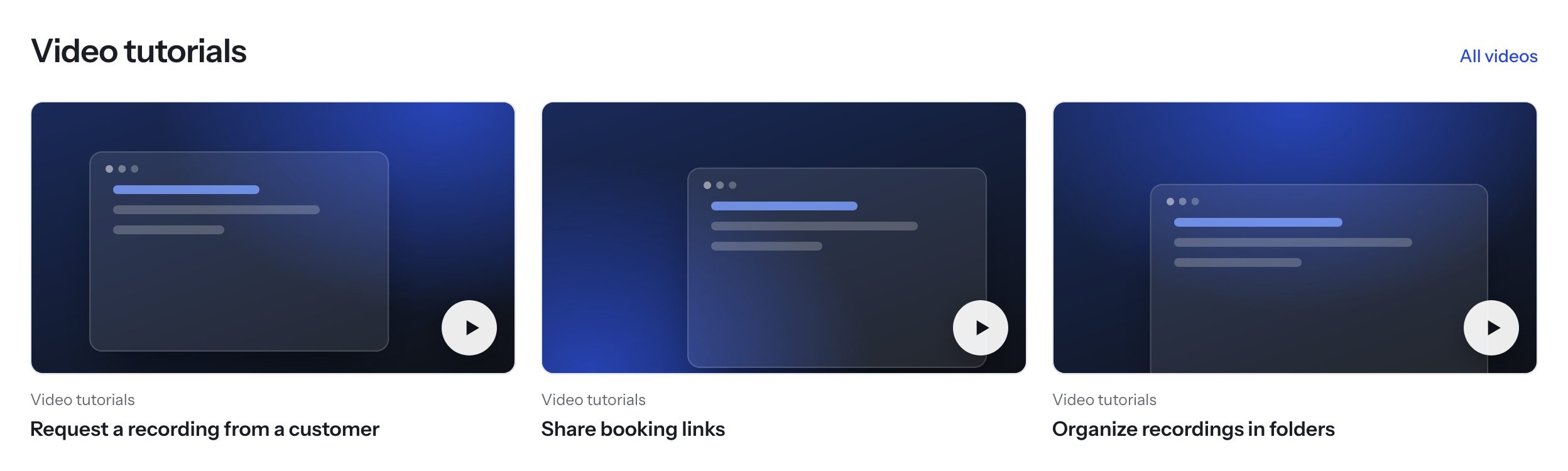
- Home page: with Videos on the home page on, the first three videos appear under the topics. They play in place.
- Video library:
/hc/<locale>/p/videoslists every video, with filters by section. Its title and intro are the Video library title and Video library intro settings. - In the article, sized 16:9 on every screen.