
Northline documentation
Northline is a Zendesk help center theme for software companies. These guides take you from the free trial to a help center that looks like your product, and explain every setting.
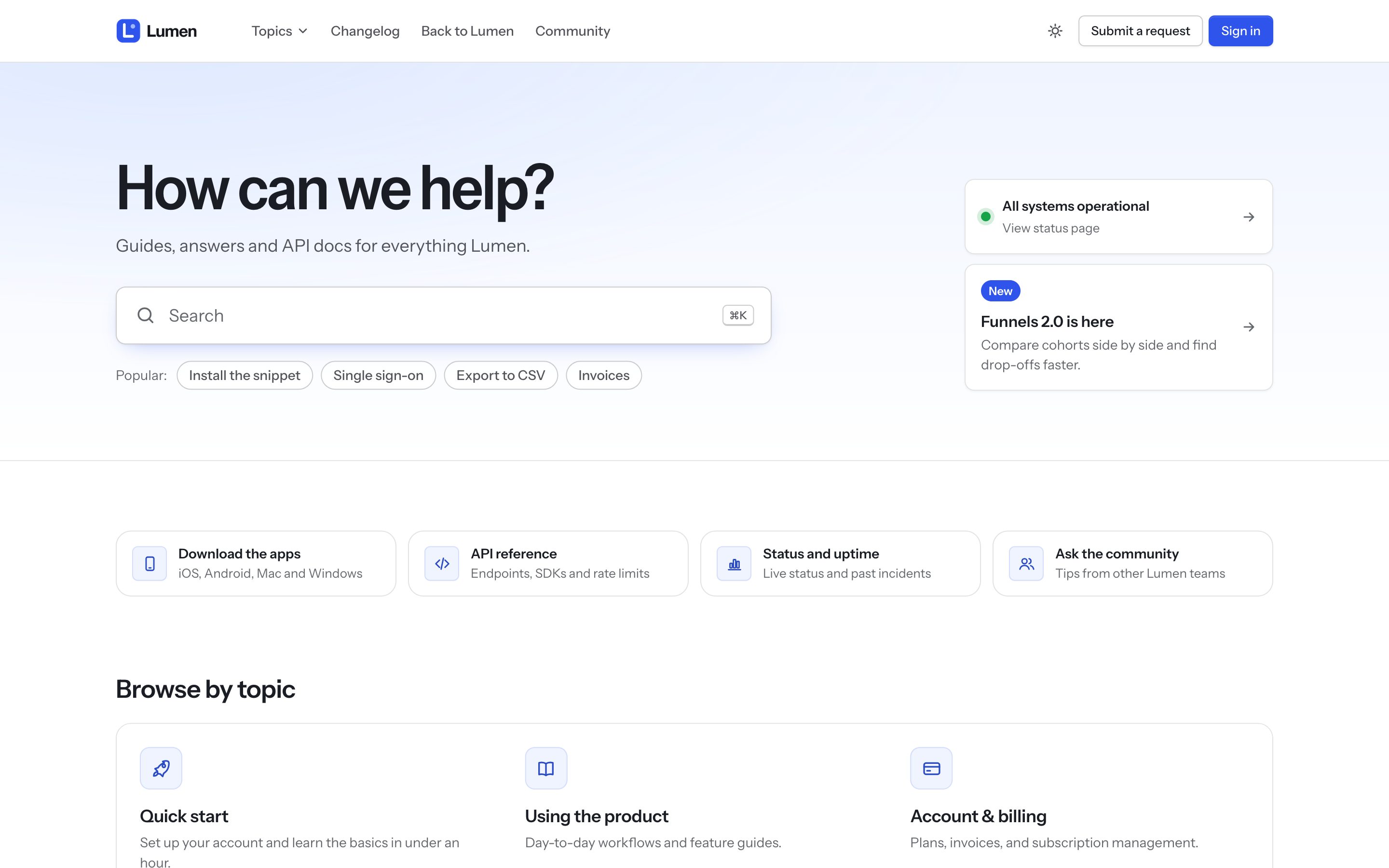
Start here
- InstallTry it free on your help center, then buy a license and make it live.
- Make it yoursLogo, colors, fonts, home page and footer, in about fifteen minutes.
- Write great articlesSteps, callouts, tabs, carousels and code, ready to paste.
Everything in the guide
Start here
Set up
- Settings referenceEvery setting in Northline's Settings panel, its default and what it changes.
- Home page and navigationThe hero, search, topics, status, videos and contact blocks, and the header and footer.
- FontsThe included fonts, using your own font, and loading no external font.
- RequestsThe request form, form cards, the request list and a single request.
- CommunityTopics, posts, votes and official answers, styled as a forum.
- Languages and right-to-leftTranslated interface text, right-to-left layouts and translating your settings.
- Several brandsUsing Northline on more than one help center in the same Zendesk account.
Write content
Reference
- Privacy, performance and browsersWhat Northline loads, what it never does, and where it has been tested.
- Search enginesWhat Northline gives Google and other search engines.
- Developer licenseHow the theme is organized, what to edit, and how updates work once you change the code.
- Questions and fixesAnswers to the questions buyers ask most.
- What's newEvery Northline release.
- Get helpHow to reach the team behind Northline.
Common questions
- I changed a setting but nothing changed on my help center
- The video library page shows "page not found"
- Submit a request doesn't appear when I preview
- A topic has no icon I like
- My custom font doesn't show
- The status card says nothing
Stuck, or missing something?
The team that builds Northline answers by email.