
Copy-paste snippets for article authors. Open an article in the Zendesk editor, switch to the
source code view (</>), and paste. Every block reads fine without JavaScript, and they all work in
dark mode, on phones and in right-to-left languages.
Steps
A top-level numbered list is shown as steps. Nothing to add.
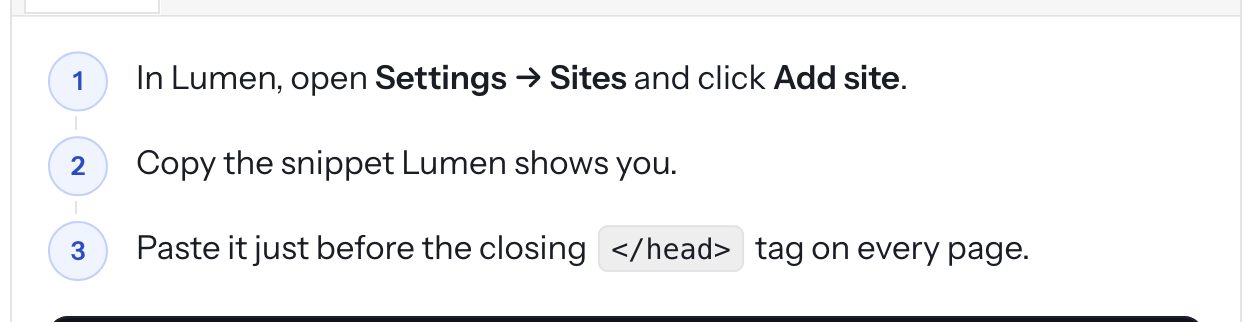
<ol>
  <li>Open <strong>Settings → Sites</strong>.</li>
  <li>Click <strong>Add site</strong>.</li>
  <li>Paste the snippet.</li>
</ol>
Callouts
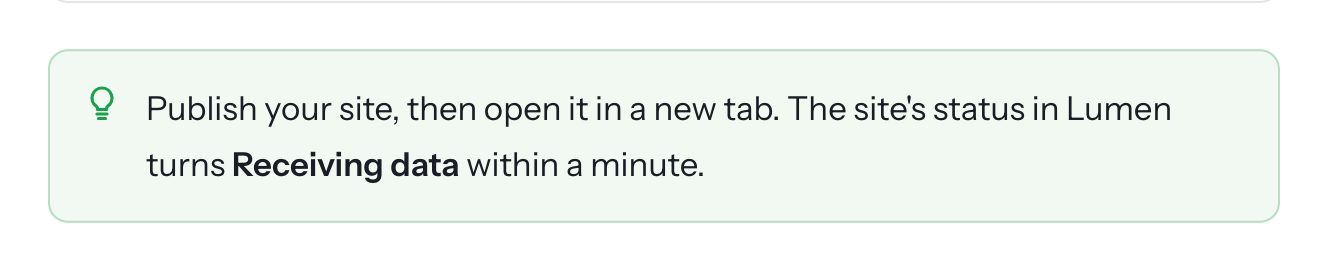
callout-tip (green), callout-note (brand color), callout-warning (amber), callout-danger (red).
<div class="callout callout-tip"><p>Using Google Tag Manager? Fire the tag on <strong>All pages</strong>.</p></div>
<div class="callout callout-warning"><p>The region can't be changed later.</p></div>
Tabs
A tabs box with one heading per tab. Everything up to the next heading goes into that tab. Tabs with
the same name stay in sync across the page, and the reader's last choice is remembered (macOS stays
macOS on every article).
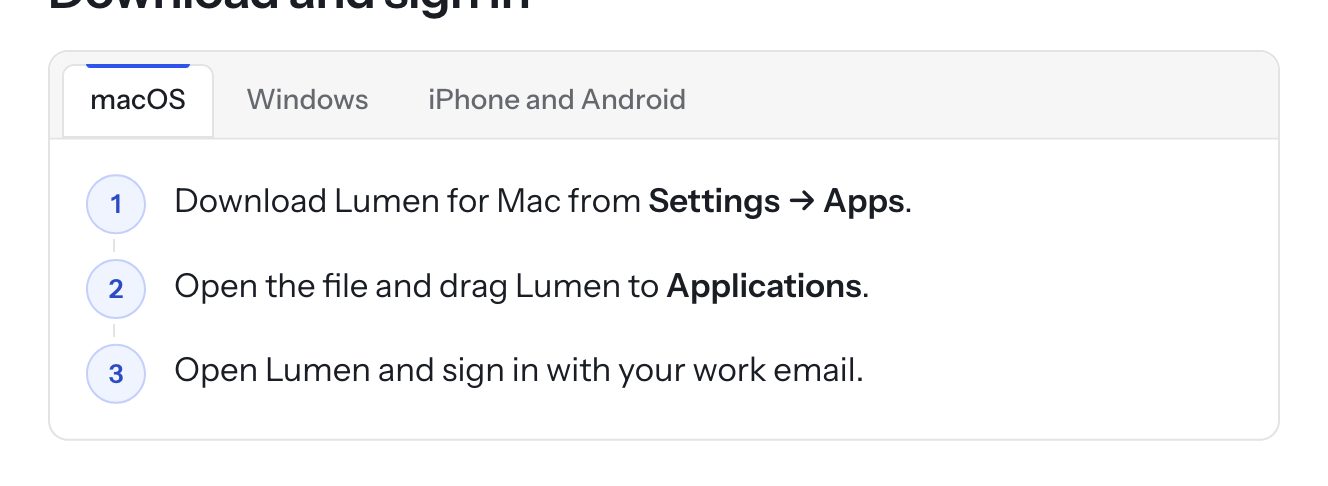
<div class="tabs">
  <h4>macOS</h4>
  <p>Download Lumen for Mac…</p>
  <h4>Windows</h4>
  <p>Run the installer…</p>
</div>
Carousel
A carousel box of images or figures. Readers swipe, use the arrows or the dots.
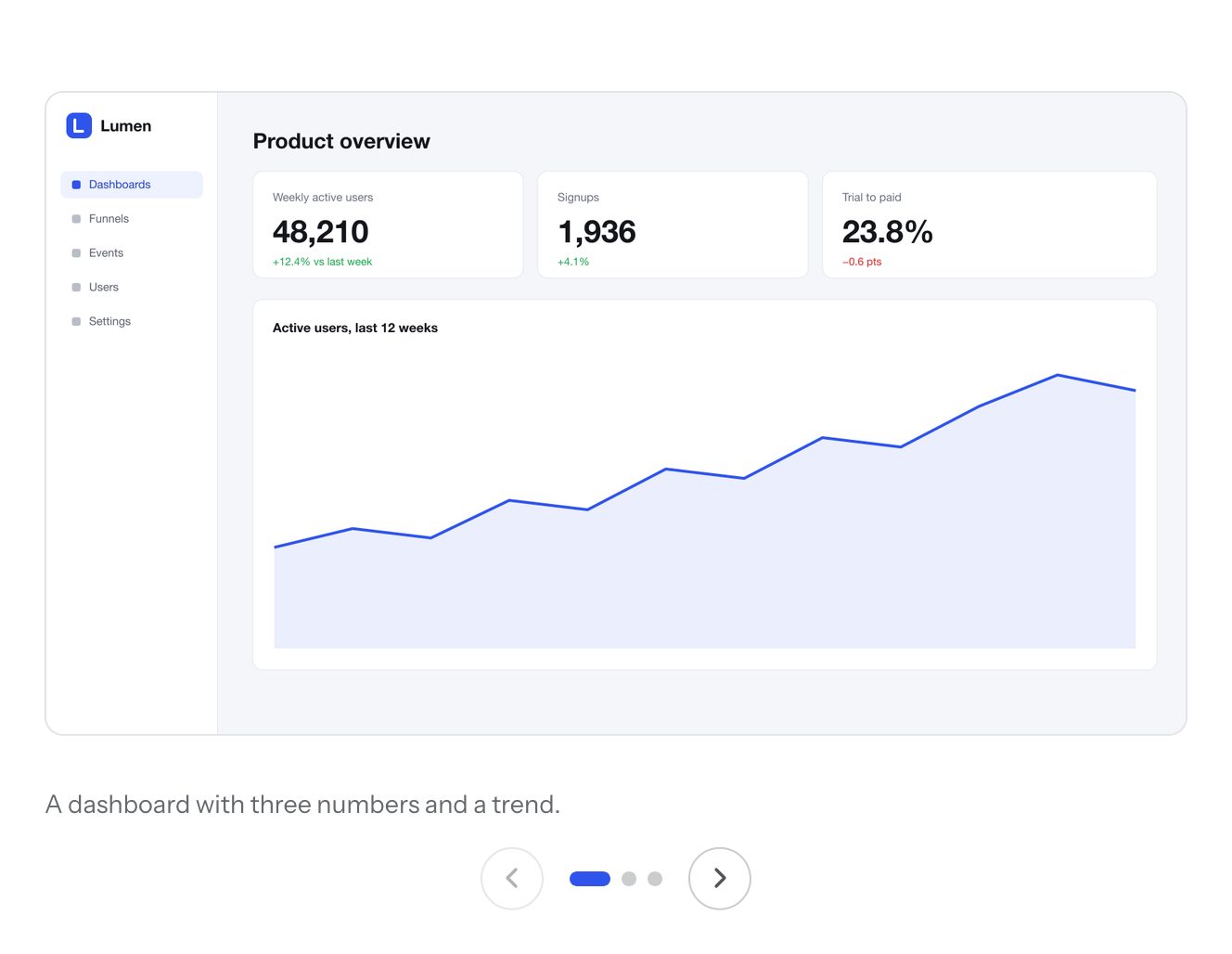
<div class="carousel">
  <figure><img src="…" alt="The dashboard"><figcaption>A dashboard with three numbers.</figcaption></figure>
  <figure><img src="…" alt="A funnel"><figcaption>Funnels show drop-offs.</figcaption></figure>
</div>
Accordion
<details><summary>Do the apps work offline?</summary><p>Recent dashboards stay readable offline.</p></details>
Code
Code blocks get a Copy button. Inline code uses <code>.
<pre><code>lumen.track("Report exported", { format: "csv" });</code></pre>
Tables
Plain tables. Wide tables scroll inside their frame on phones.
Keyboard keys
Press <kbd>⌘</kbd> <kbd>K</kbd> to search.
Video
Embed a YouTube, Vimeo, Loom, Wistia or Screendesk video with the editor's video button. It is sized
16:9 automatically. To list a video in the video library and on the home page, add the label video to the article
(the label name is a theme setting). See Videos. The library uses the first image in the
article as the poster; without one, YouTube's thumbnail or a generated cover.
Images
Images open full screen when clicked (Image zoom setting). Add alt text; it is used in the zoom view
and by screen readers.