
When your community is on, Northline shows it as a forum:
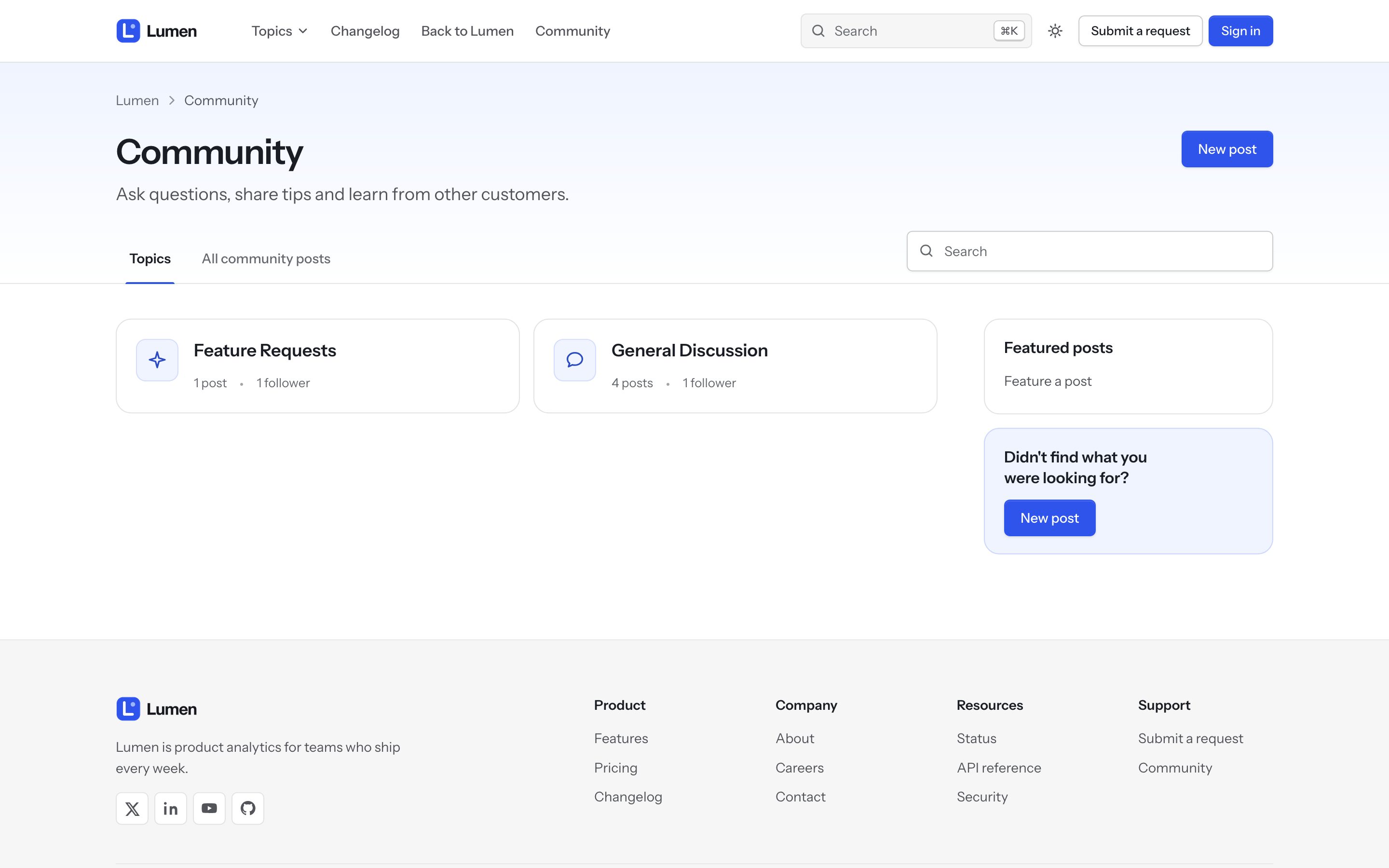
- Community home: every topic as a card with its posts and followers, plus recent discussions.
- Topic page: posts with their votes and replies, filters and sorting, pinned and featured posts first, and idea statuses (planned, completed, not planned, answered) as labels.
- Post page: the question, votes, the official answer highlighted, and replies.
- New post: Zendesk's form with a clear layout.
ImagesCommunity hero image and Community banner set the community images. Follow and sharing buttons have switches under Community post elements and Community topic elements.
An empty topic says so, with the New post button above.