
Northline uses Zendesk's own request components, so every ticket field type, conditional field, attachment rule and CAPTCHA works as Zendesk intends. Northline styles them and adds a few things around them.
The request form
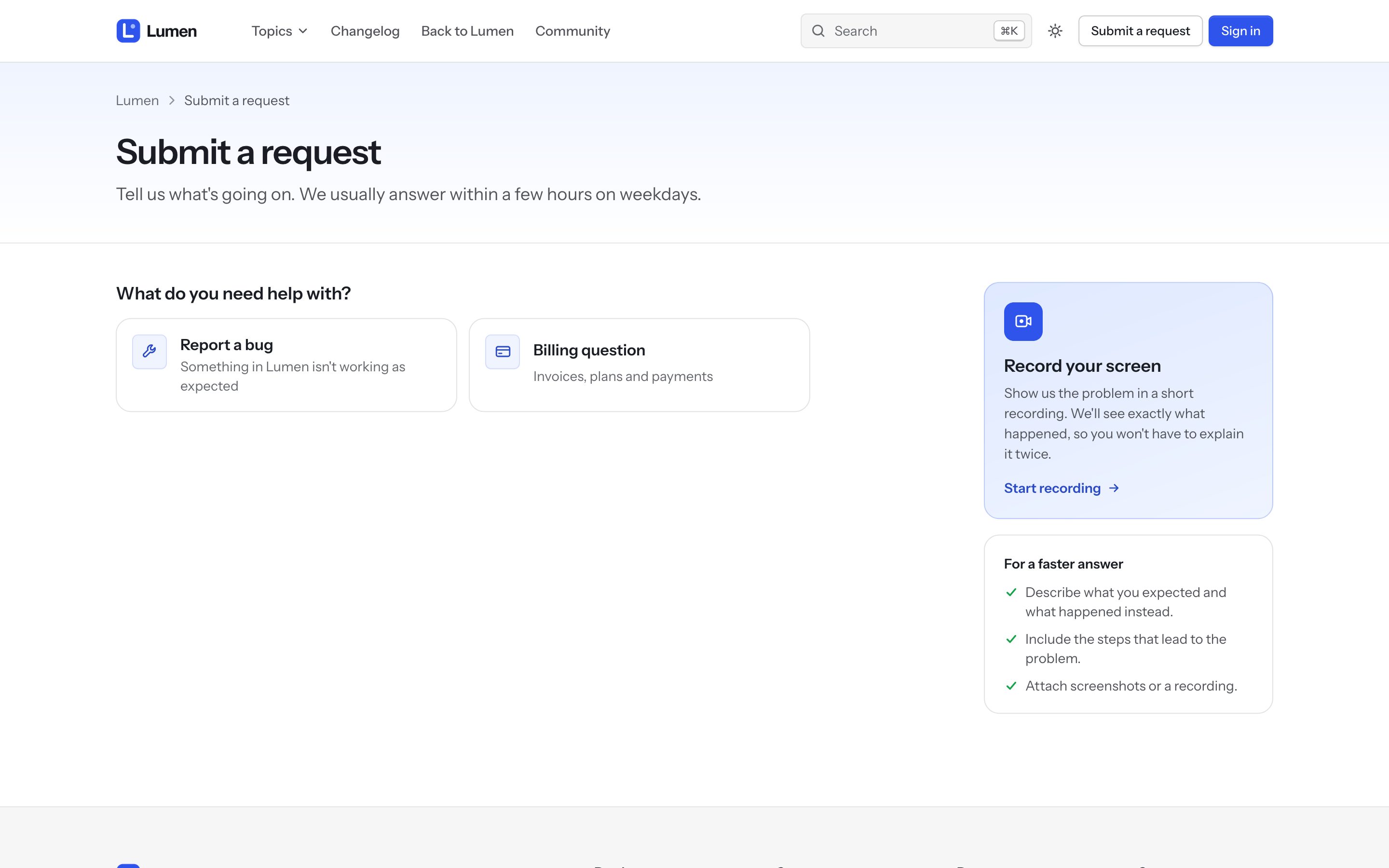
- Request form intro: a short note above the form.
- Request types as cards: with more than one ticket form, visitors choose from cards ("What do you need help with?") instead of a dropdown. Request type descriptions adds a line under each, as
Form name:descriptionpairs separated by semicolons:
Report a bug:Something isn't working; Billing question:Invoices, payments and plans
- Screen recording link: your Screendesk recording link adds a Record your screen card, so customers can show the problem instead of describing it.
- Show suggested articles suggests articles as the visitor types a subject.
- Filter ticket fields by brand keeps each brand's fields to its own forms.
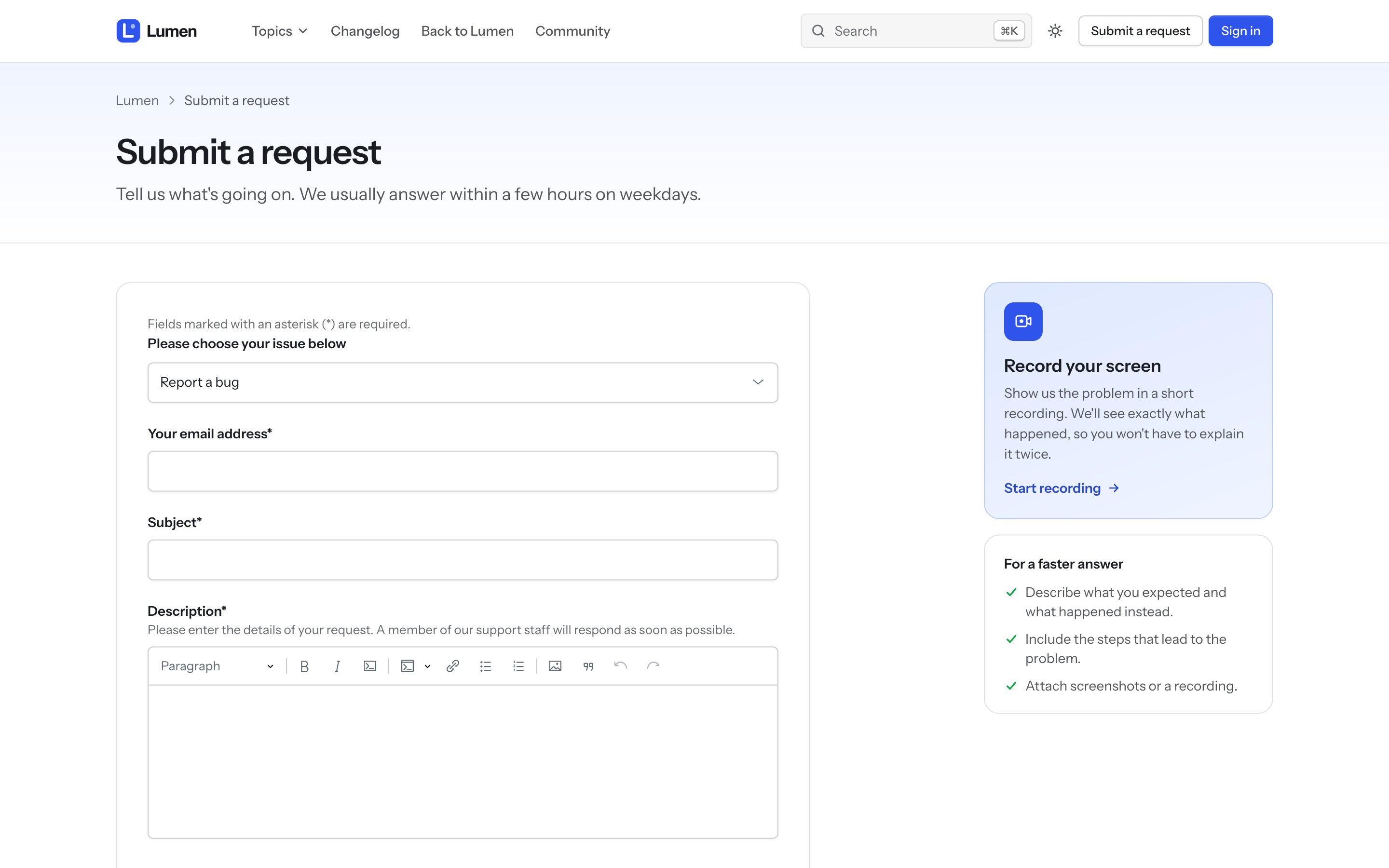
Every field type is styled: text, multi-line text, number, decimal, date, checkbox, regular-expression fields, dropdowns with nested options (Integrations::Slack), multi-select, attachments and the description editor. Errors show next to the field. Long form names and long labels wrap inside the card.
Requests list and a single request
My requests shows Zendesk's tabs, search and a table with colored status pills. Custom ticket statuses get a color from their category. A single request shows the conversation with your team's replies marked, the reply box and a details card.
Profiles
Profiles, contributions and followed content share the same header and tabs.