
Privacy
- Northline has no tracking, analytics or cookies of its own. It stores two preferences in the visitor's browser: light or dark mode and the last tab chosen in tabbed articles.
- Fonts: web fonts load from Google Fonts. To load no external font, choose System or Georgia in Fonts.
- Status page: only when you set Status page, the visitor's browser reads your Statuspage's public summary.
- Video embeds load from their provider (YouTube, Vimeo, Loom...) when the reader plays them. YouTube videos use the privacy-enhanced youtube-nocookie.com address in the player.
- All requests use HTTPS. There are no secrets in the theme.
Performance
- Northline's script loads after the page and reads Zendesk's help center API only for what is on screen (the Topics menu, article navigation, videos). Answers are kept for the visit, so moving between pages doesn't ask again.
Browsers and devices
Tested in Chrome (and so other Chromium browsers such as Edge), Firefox and Safari, on desktop, tablet and phone sizes, in light and dark mode, in English, Arabic, Hebrew and Japanese, with help centers holding 30+ topics, 45-article sections, very long names, empty topics and every ticket field type.
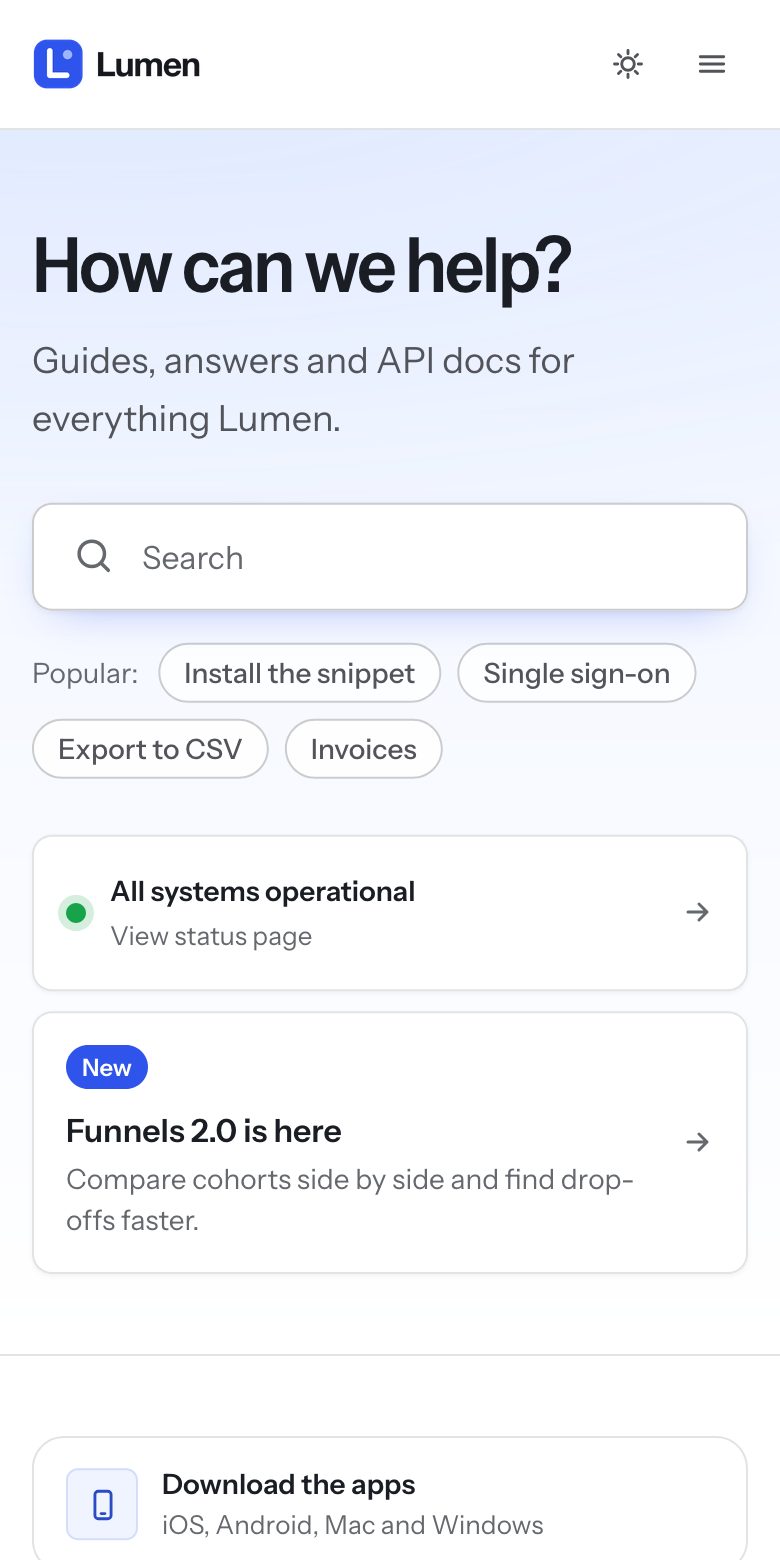
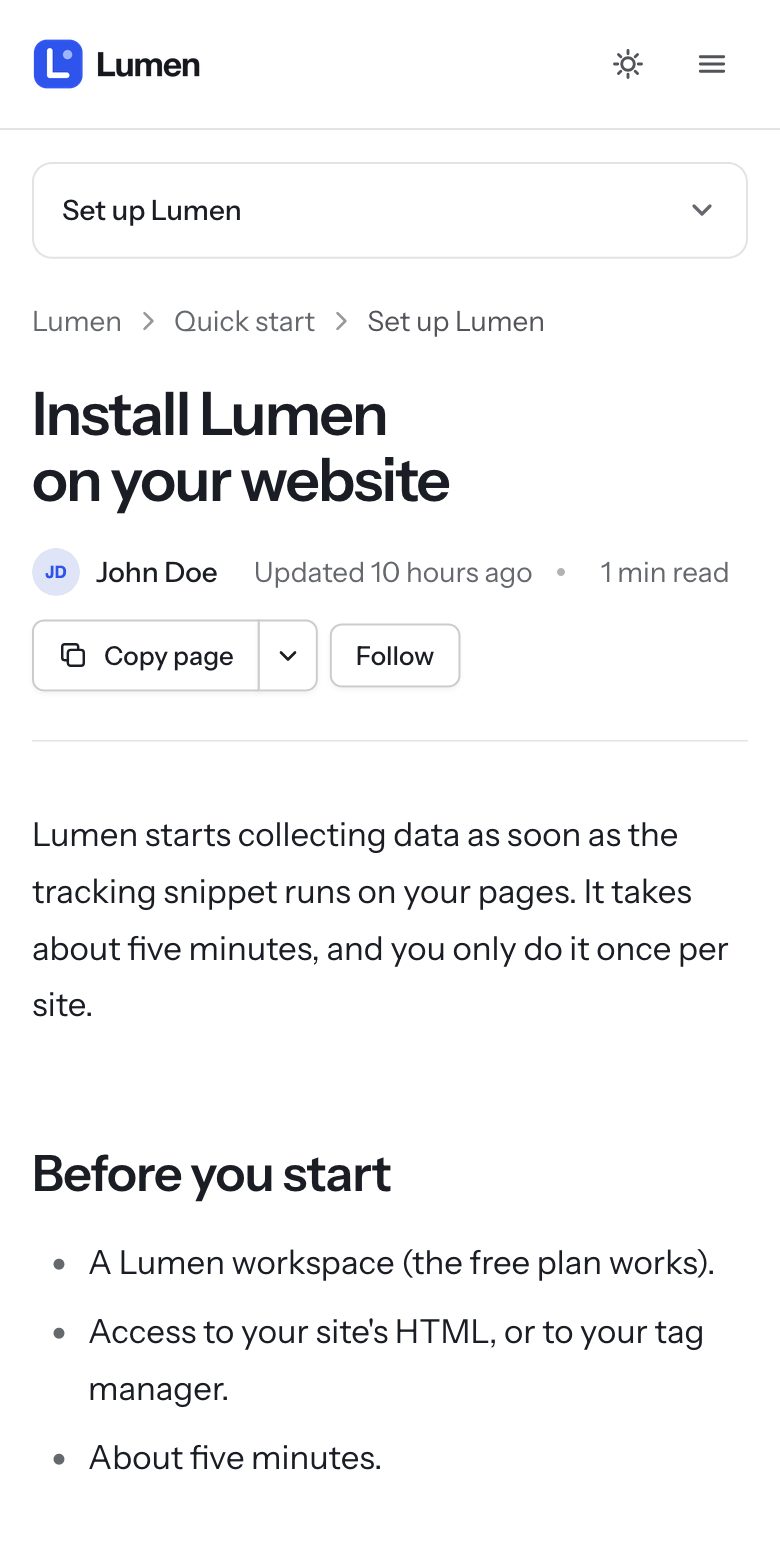
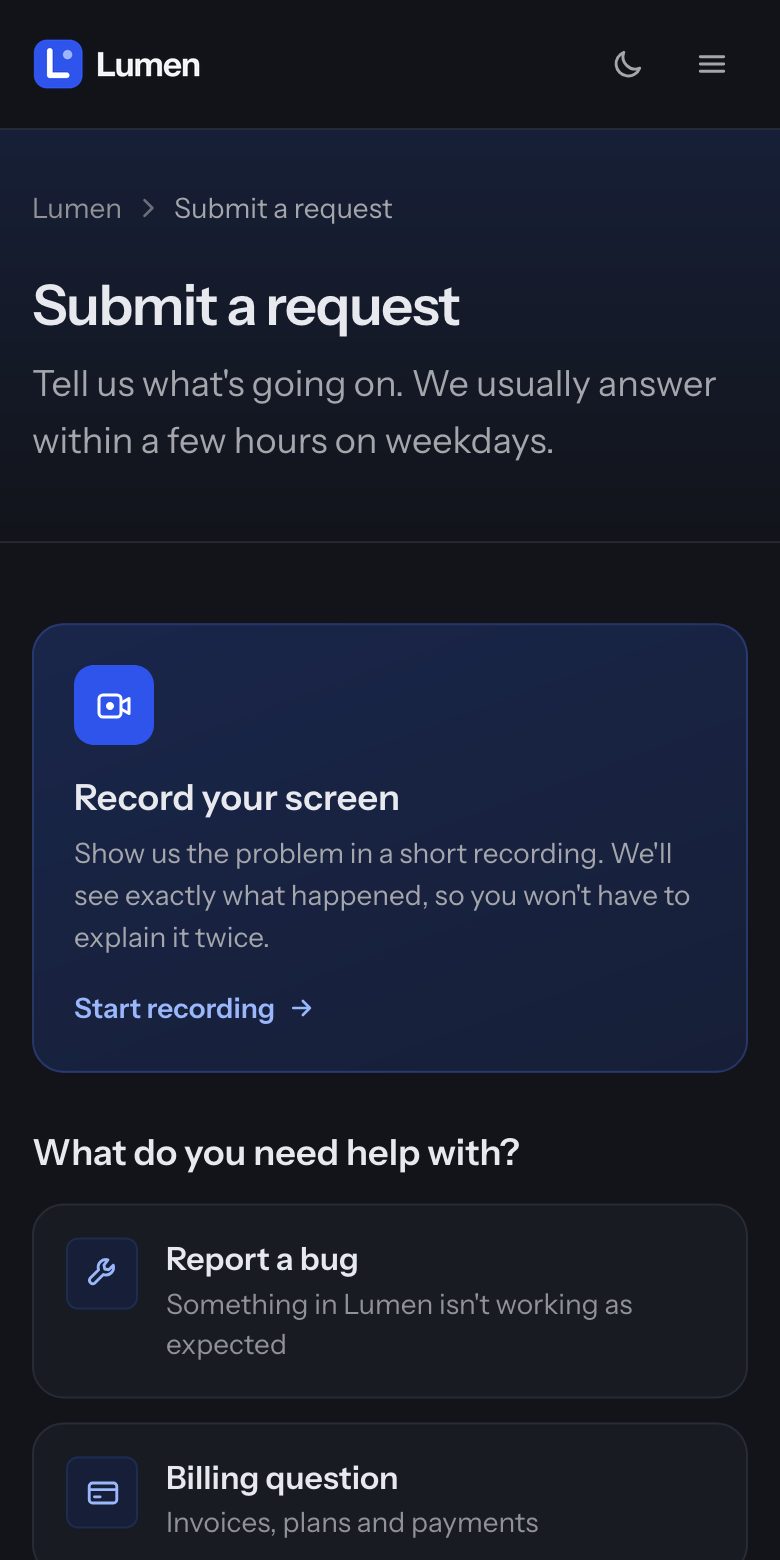
Older iPhones and iPads (Safari before 16.2) get the same layout with slightly simpler color blends. Very old browsers that Zendesk itself no longer supports may show plainer hover effects.
Accessibility
Keyboard navigation everywhere with visible focus, a skip link, menus that close with Escape and return focus, dialogs that keep focus inside, accessible names on icon buttons, text contrast that meets WCAG AA in both color modes for the default colors, and no motion for visitors who ask their device to reduce it.