
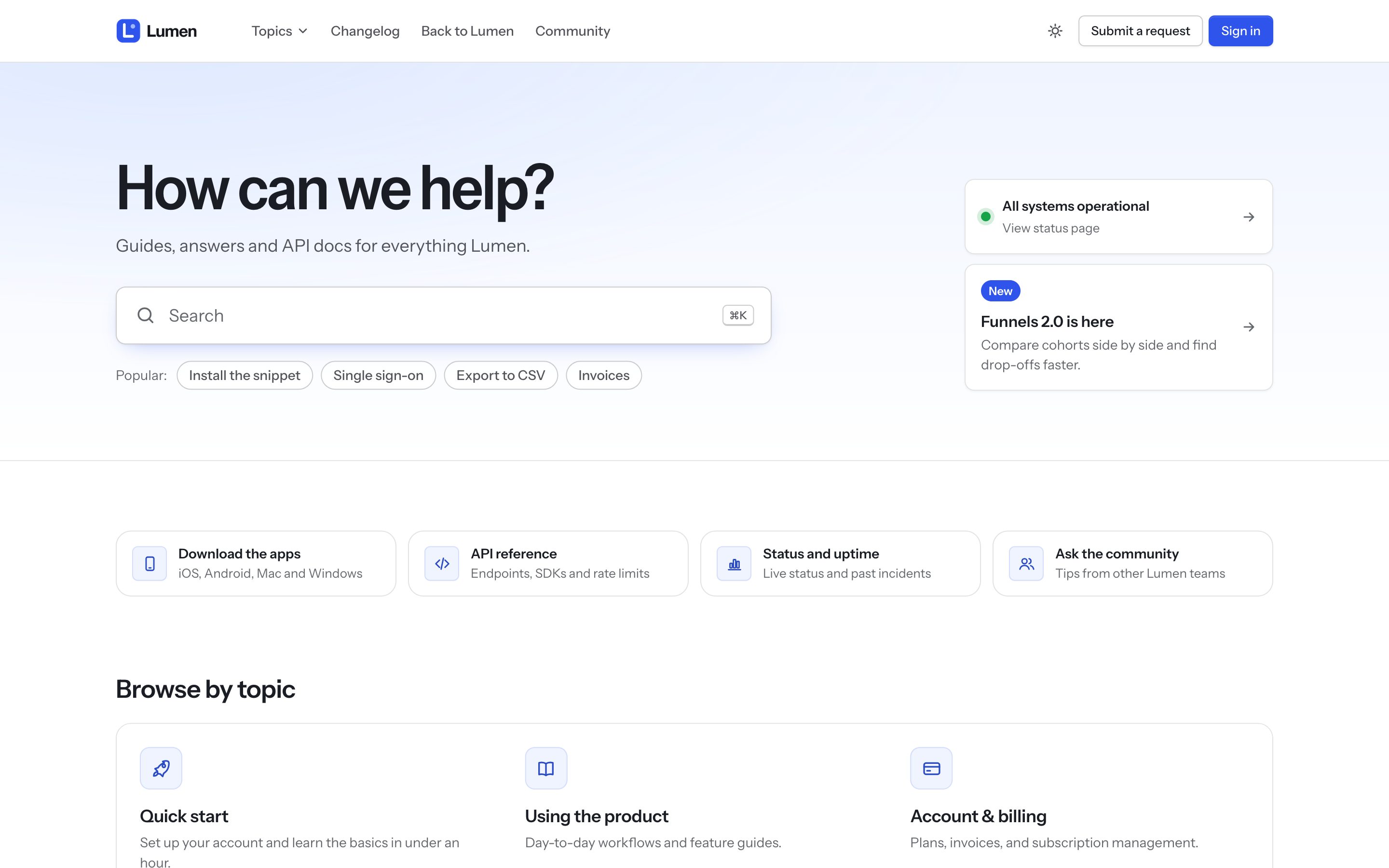
Northline is a help center theme for Zendesk built for software companies. It works on every help center page Zendesk has, including the request form, request list, community, service catalog and approvals.
What you need
- A Zendesk account with a help center. You need to be a Zendesk admin.
- Any plan that lets you change your help center theme. Editing the theme's code needs a developer license and Knowledge (Guide) Professional or higher.
Try it for free
- Open Northline on the Zendesk Marketplace and start the free trial.
- Choose the help center (brand) to install it on.
- In Knowledge adminCustomize design, Northline appears in your theme library. Click Customize to preview it with your own content and change its settings.
The trial lasts 14 days. During the trial you can preview Northline and change its settings, but you can't make it your live theme or edit its code. Your current theme stays live until you choose otherwise.
Buy and make it live
- On the Marketplace listing, buy the standard license or the developer license (includes the source code). Both are one-time purchases.
- In Knowledge adminCustomize design, open the menu on the Northline card and click Set as live theme.
A license covers every help center in your Zendesk account. On each other brand, add Northline from Customize designAdd theme and set it live there.
Standard or developer license
| Standard | Developer | |
|---|---|---|
| Every Northline feature and setting | Yes | Yes |
| Free updates | Yes | Yes, applied by hand once you edit the code |
| Edit templates, CSS and JavaScript | No | Yes (Knowledge Professional or higher) |
| Price | One time, see the Marketplace listing | One time, see the Marketplace listing |