
 Northwind QA
Chrome extension
Report a bug in one click
Record a tab, take a screenshot, or save an instant replay of the last two minutes from the Chrome extension, with logs attached.
Learn moreQA teams
Capture the bug as it happens, with console logs, network requests, and device details attached. Send it to Jira, Linear, or GitHub in one click.
Trusted by support teams from startups to enterprises












Record the tab, take a screenshot, or save an instant replay of the last two minutes, instead of rewriting the bug from memory.
Console logs, network requests, and device details are captured while you record, so engineers stop asking “which browser?”.
 Send to Linear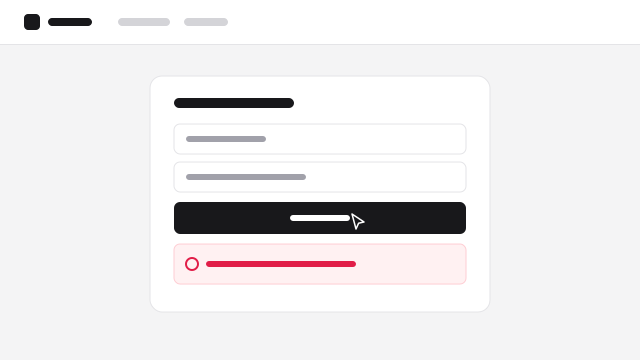
Checkout fails after clicking Pay
I’m trying to pay for the Pro plan but the payment never goes through.
Send the report to Linear, Jira, or GitHub with an AI-drafted issue, the recording, and the logs attached.
Capture the exact steps on the new build, with the errors logged along the way.
Instant replay keeps the last two minutes, so an intermittent bug is on video the moment it happens.
See the failed request, its status code, and the response, without exporting a HAR file.
Every report includes the device and browser details it was captured on.
Take a screenshot, annotate what’s wrong, and send it with the page’s details attached.
Keep every report from a test cycle in a shared folder for review before the release.
Record a tab, take a screenshot, or save an instant replay of the last two minutes from the Chrome extension, with logs attached.
Learn moreSend a recording link, with nothing to install. Recordings made on your app include console logs and network requests.
Learn moreStart a call when a bug needs a second pair of eyes. Screens are shared, and the call is recorded and transcribed.
Learn moreThe recording or screenshot, your annotations, console logs, network requests, and device and browser details.
The Chrome extension can save the last two minutes of a tab, so you can capture a bug after it happens without recording in advance.
Yes. Send any report to Linear, Jira, or GitHub with an AI-drafted issue, or use folder automations to create issues, post to Slack, or call a webhook.
Yes. Share a recording link, with nothing to install. Add the Screendesk snippet to your app to capture their console logs and network requests.
Yes. Blur sensitive fields with CSS selectors, and keep recordings in the US or Europe.
AI
Every recording gets a summary, reproduction steps, expected and actual behavior, and a severity.
Send to Linear, Jira, or GitHub with the title and description drafted from the recording.
Claude, ChatGPT, Cursor, and coding agents read reports, logs, and network requests through the Screendesk MCP and CLI.
Request a screen recording from your helpdesk and get the steps, logs, and context behind every issue.